2013-09-22
ポートベースのバーチャルホストを設定する
ポートベースのバーチャルホストの設定をした時の作業メモ。
IP アドレスは同じに、ポート番号だけでリクエストを振り分けて表示するページを切り替える。 今回は、
- 192.168.56.101:5000
- 192.168.56.101:7000
- 192.168.56.101:9000 のような URL にリクエストをしたときに、それぞれ異なるレスポンスを返すようにする。
apache の設定ファイルに少し追記するだけでできた。
Listen 5000
Listen 7000
Listen 9000

NameVirtualHost 192.168.56.101:5000
NameVirtualHost 192.168.56.101:7000
NameVirtualHost 192.168.56.101:9000

<VirtualHost 192.168.56.101:5000>
  ServerName test1
  DocumentRoot "/var/www/first/"
</VirtualHost>

<VirtualHost 192.168.56.101:7000>
  ServerName test2
  DocumentRoot "/var/www/second/"
</VirtualHost>

<VirtualHost 192.168.56.101:9000>
  ServerName test3
  DocumentRoot "/var/www/third/"
</VirtualHost>
上述の設定で、
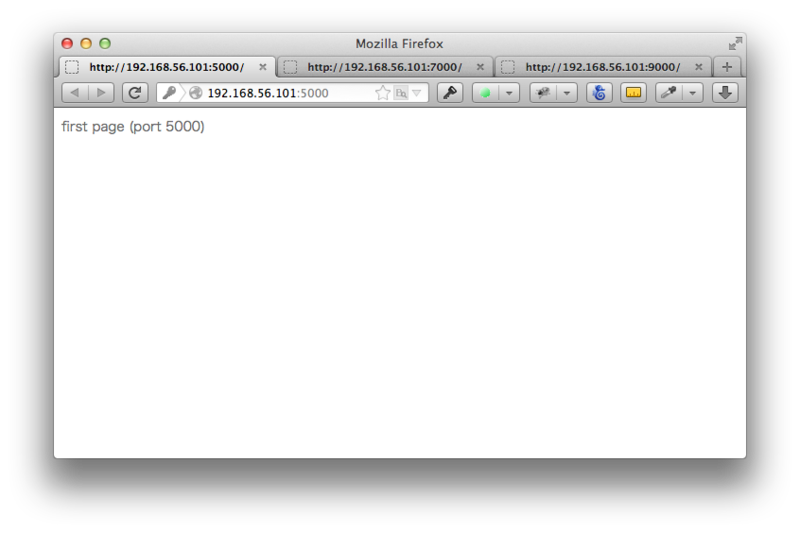
- 192.168.56.101:5000にリクエストをしたときには「/var/www/first/」ディレクトリのコンテンツを返し、
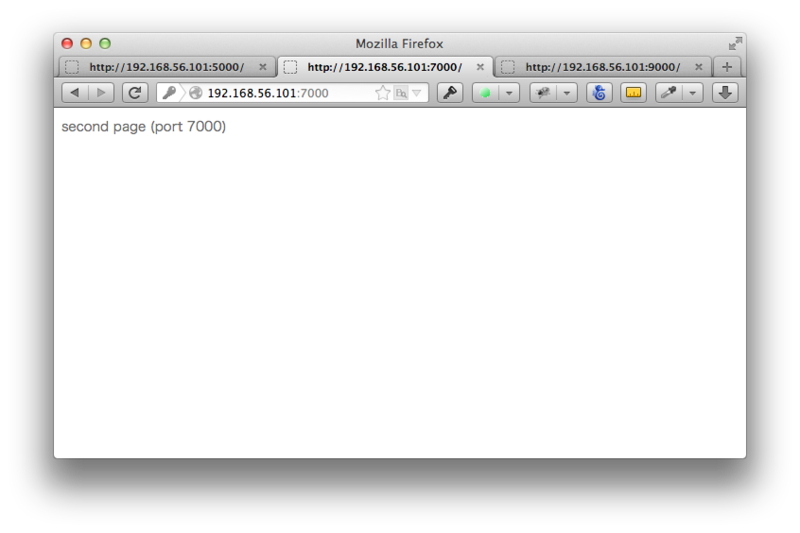
- 192.168.56.101:7000にリクエストをしたときには「/var/www/second/」ディレクトリのコンテンツを返し、
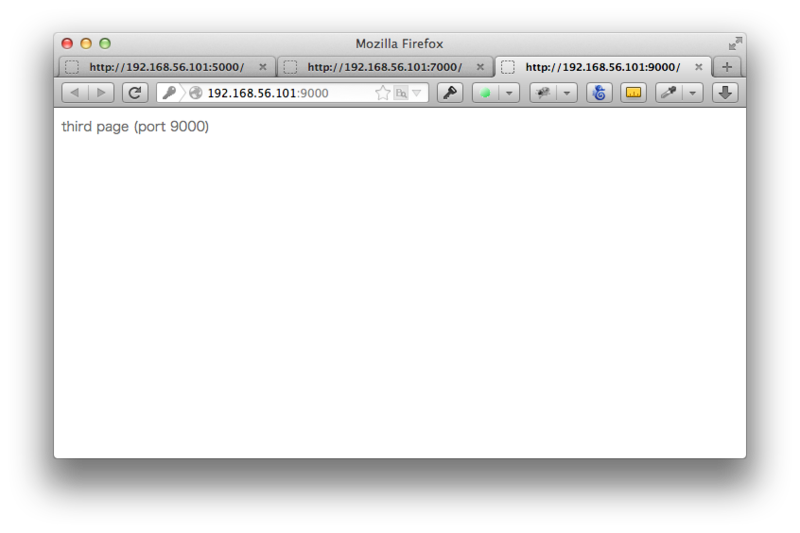
- 192.168.56.101:9000にリクエストをしたときには「/var/www/third/」ディレクトリのコンテンツを返すようになる。
各ディレクトリに index.html ファイルを作成して確認をする。
sudo sh -c "echo 'first page (port 5000)' > /var/www/first/index.html"
sudo sh -c "echo 'second page (port 7000)' > /var/www/second/index.html"
sudo sh -c "echo 'third page (port 9000)' > /var/www/third/index.html"
DocumentRoot の/var/www/以下のディレクトリ構成はこんなかんじ。
$ tree
.
├── first
│   └── index.html
├── index.html
├── second
│   └── index.html
├── third
      └── index.html
ブラウザで確認する。
192.168.56.101:5000
192.168.56.101:7000
192.168.56.101:9000
終わり。
※ 参考 : https://httpd.apache.org/docs/2.2/ja/vhosts/examples.html